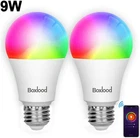
WiFi Smart Bulb Smart Light Bulb Compatible with Alexa & Google Home, No Hub Req
$ 10.56
Description
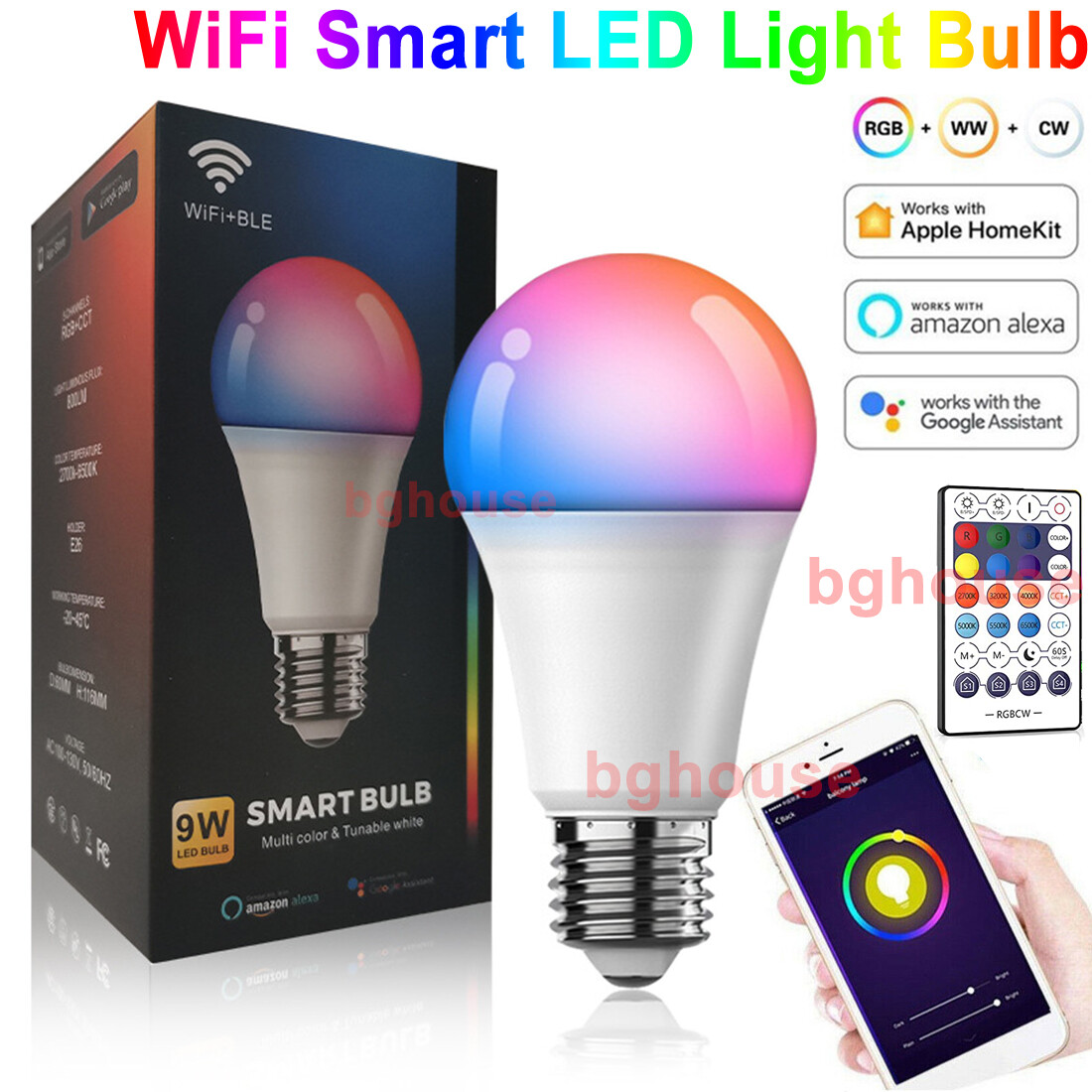
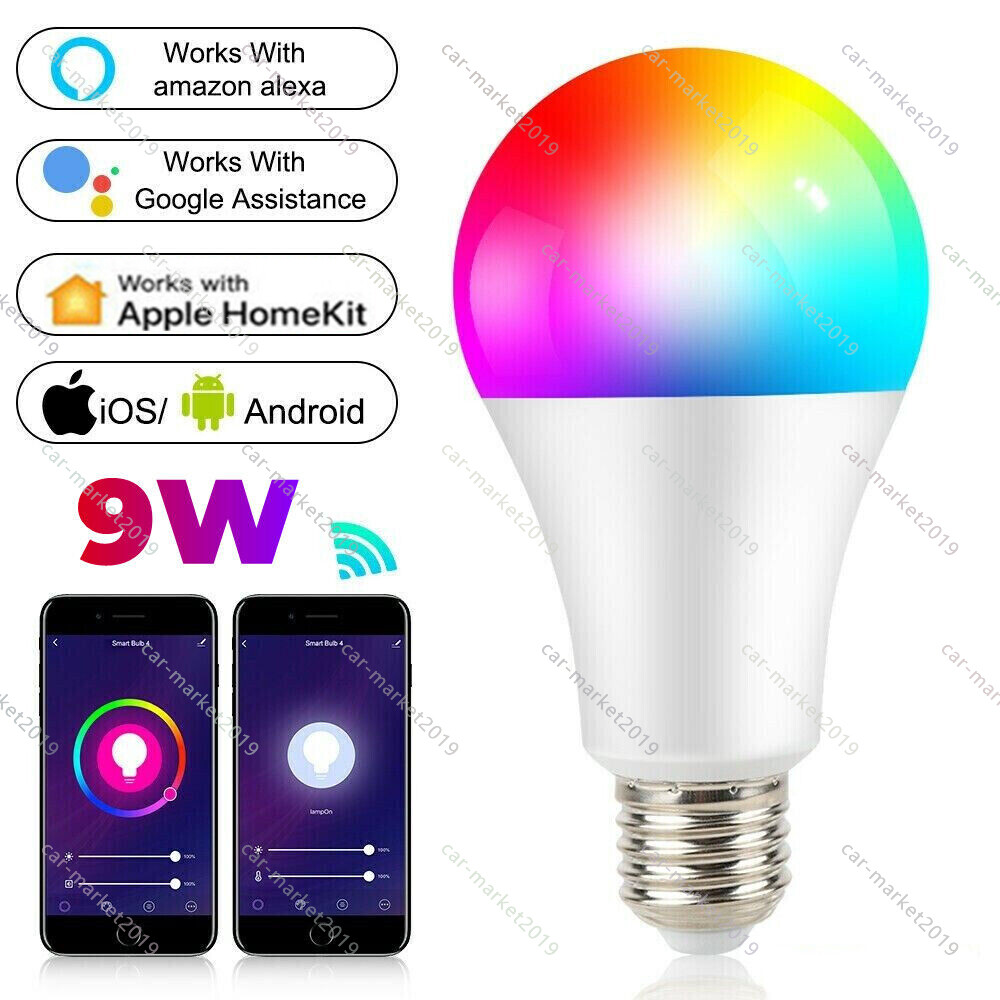
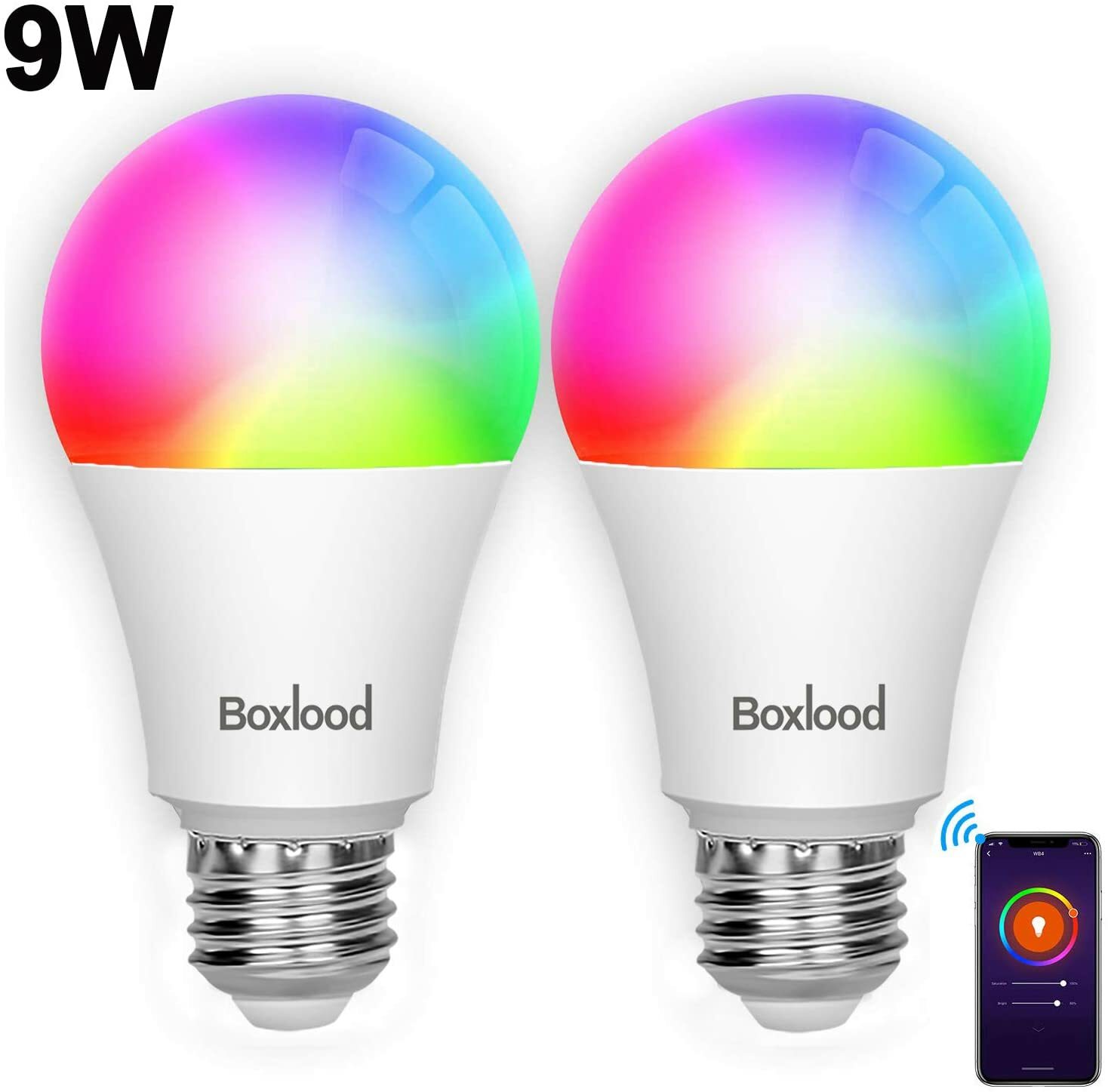
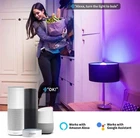
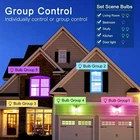
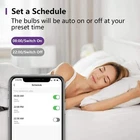
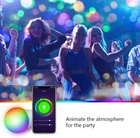
Product Description <img alt="boxlood smart light bulb" src="https://m.media-amazon.com/images/S/aplus-media/sc/4d6a3630-30d7-4d27-87b8-51cc11864511.__CR87,0,1746,1080_PT0_SX970_V1___.jpg"> <img alt="smart light bulb works with Alexa" src="https://m.media-amazon.com/images/S/aplus-media/sc/a50a8ce1-4b86-4c9e-97c0-61558c3fa6a9.__CR0,0,970,600_PT0_SX970_V1___.jpg"> <img alt="smart bulb" src="https://m.media-amazon.com/images/S/aplus-media/sc/17635740-1c74-48c2-a1d0-996d4df8dd27.__CR0,64,1580,489_PT0_SX970_V1___.jpg"> Read more <img alt="remote control" src="https://m.media-amazon.com/images/S/aplus-media/sc/2dbe70fa-1c33-4460-8924-a2a23d34e35c.__CR0,0,800,800_PT0_SX220_V1___.jpg"> <img alt="Hands-Free Voice Control" src="https://m.media-amazon.com/images/S/aplus-media/sc/007cd8aa-10e3-4bf1-a344-82eb491158fb.__CR0,0,1500,1500_PT0_SX220_V1___.jpg"> <img alt="color change bulb" src="https://m.media-amazon.com/images/S/aplus-media/sc/03725b30-424b-4b1d-9bb2-8865402cdb77.__CR0,0,1350,1350_PT0_SX220_V1___.jpg"> <img alt="smart light bulb set time schedule" src="https://m.media-amazon.com/images/S/aplus-media/sc/9100945c-0aea-4b5e-a650-3d8854d7a161.__CR0,0,300,300_PT0_SX220_V1___.jpg"> No Hub Required And Group Control Turn ON or OFF your Wi-Fi smart light bulb no matter when and where you are after connection. No need for a hub or extra equipment,Controlling Your bulb from Anywhere. Hands-Free Voice Control Works with the Amazon Alexa , Google Home, just make a voice commands to control the bulb, make your hands free. RGBCW Multi-Color And Dimmable Brightness Create your favorite light effects with 16 million colors and the brightness of every color is dimmable via app or voice control.You may also set up schedules to turn on/off according to the preset time.Scenes DIY. Timer Setting Schedule the bulb to automatically switch on and off when away.Such as schedule the Living Room Light On at 8:00 PM. You can DIY the color. Never back to a dark home. Read more <img alt="color changing" src="https://m.media-amazon.com/images/S/aplus-media/sc/087f171f-57a0-4df1-90df-26f6935d065f.__CR0,0,970,600_PT0_SX970_V1___.jpg"> <img alt="How to work" src="https://m.media-amazon.com/images/S/aplus-media/sc/168a9f44-fd9a-4dc7-8dc0-0bb5fc9494b0.__CR0,0,1500,1500_PT0_SX300_V1___.jpg"> How to connect smart light bulb with Smart Life APP Search "Smart Life" on Phone or Scan the QR code on User Manual/Package to download it. Install the bulb and turn the power on. Turn on and off the bulb 3 times to switch the bulb to start up the smart light bulb. Follow the guide to set up Control the light via App. <img alt="smart light bulb" src="https://m.media-amazon.com/images/S/aplus-media/sc/eb349e73-cb1e-45b7-8d21-df83a48e0dfa.__CR0,0,300,300_PT0_SX300_V1___.jpg"> Tips for APP Smart Life Make sure use 2.4GHz Wi-Fi when connecting with the smart bulb Click "+" in the upper right corner - All devices - Lighting Devices Turn on the switch 3 times: on-off-on-off-on until it's flashed quickly Click "confirm light blinks rapidly" and then input the correct WiFi password (2.4Ghz WiFi) Within 30 second, it will be connected <img alt="smart light bulb works with Alexa" src="https://m.media-amazon.com/images/S/aplus-media/sc/e0acbd2f-8886-4095-a2fd-a29bb0249e22.__CR0,0,1500,1500_PT0_SX300_V1___.jpg"> How to connect with Alexa Tap "Skills" in the hamburger menu, then search "Smart Life" Select "Smart Life" and tap "ENABLE" to enable the Skill. Come to the account link page. Type in your Smart Life account and password, don't forget to select the country/region where your account belongs to. Tap "Link Now" to link your Smart Life account. <img alt="smart light bulb works with google" src="https://m.media-amazon.com/images/S/aplus-media/sc/7da7f011-dd87-48a0-a39a-121dcbc4ebcb.__CR0,0,480,480_PT0_SX300_V1___.jpg"> Tips for Alexa Connection The country/region, the account, and the password must match with the your Smart Life account. Please rename the bulb with an easy name for voice control. Please make sure type correct Wi-Fi password. Every time you change the device's name on Smart Life App, Echo must re-discover before you control them. <img alt="How to work" src="https://m.media-amazon.com/images/S/aplus-media/sc/168a9f44-fd9a-4dc7-8dc0-0bb5fc9494b0.__CR0,0,1500,1500_PT0_SX300_V1___.jpg"> Connect Smart Life App <img alt="smart light bulb" src="https://m.media-amazon.com/images/S/aplus-media/sc/eb349e73-cb1e-45b7-8d21-df83a48e0dfa.__CR0,0,300,300_PT0_SX300_V1___.jpg"> Tips for APP Smart Life <img alt="smart light bulb works with Alexa" src="https://m.media-amazon.com/images/S/aplus-media/sc/e0acbd2f-8886-4095-a2fd-a29bb0249e22.__CR0,0,1500,1500_PT0_SX300_V1___.jpg"> <img alt="smart light bulb works with google" src="https://m.media-amazon.com/images/S/aplus-media/sc/7da7f011-dd87-48a0-a39a-121dcbc4ebcb.__CR0,0,480,480_PT0_SX300_V1___.jpg">